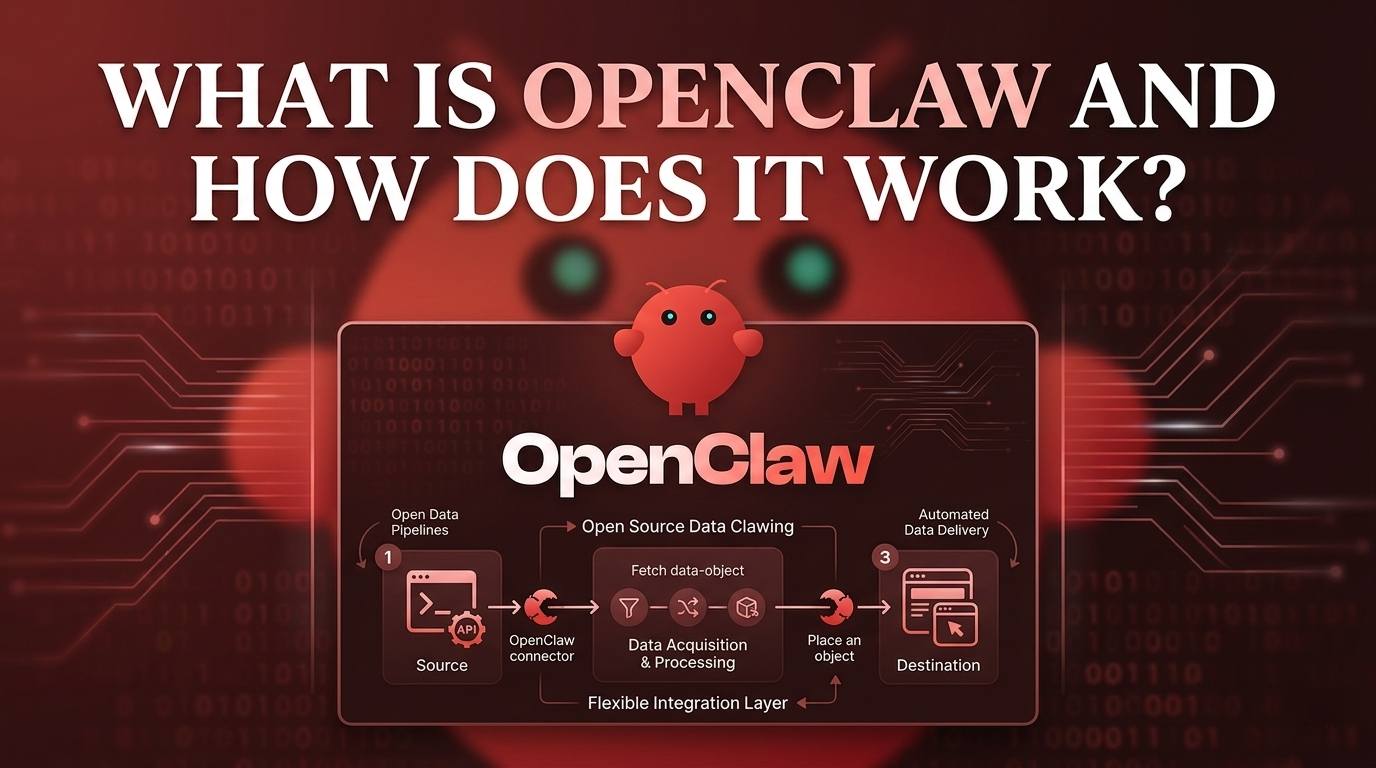
What Is OpenClaw and How Does It Work?
At the beginning of 2026, when a colleague first mentioned OpenClaw to me, I honestly didn't take it too seriously. At first glance, it looked like nothing more than an open-source version of Claude Code - and in some ways, it even seemed less capable.
However, what surprised me was how quickly things changed. Within just two months, OpenClaw gained over 250,000 GitHub Stars, becoming one of the fastest-growing open-source projects. Today, it has evolved into one of the most talked-about topics in the AI community.
In this article, I will walk you through what OpenClaw actually is, why it has become so popular, and how it works under the hood. Whether or not you have experience with AI products, you should find clear insights and a better understanding after reading this guide.
Content
What Is OpenClaw?
At its core, OpenClaw is an AI agent system. But what exactly is an "agent"?
In simple terms, you can think of it like this:
Agent = LLM + Interface (CLI) + Skills
The LLM (Large Language Model) is the brain. It handles reasoning, understanding, and decision-making.
The interface (such as a CLI) allows the agent to interact with systems and execute commands.
Skills (or tools) give the agent the ability to perform real tasks, such as sending messages, calling APIs, or processing data.
This formula is a simplified way to understand how an AI agent works. In reality, modern agents are more advanced. They often include memory, planning capabilities, and continuous execution loops, which allow them to handle multi-step tasks.
So where does OpenClaw fit into this?
OpenClaw is not just a single agent. Instead, it is a system designed to run, connect, and scale AI agents across different platforms. Rather than building everything from scratch, OpenClaw provides the infrastructure that allows agents to communicate with tools and messaging platforms like Discord, Telegram, and Slack.
In other words, if an AI agent is the "brain," OpenClaw acts as the communication and execution layer that connects that brain to the real world.
To make this easier to understand, let's use a simple analogy.
Think of an AI agent as a human worker:
- The LLM is the brain—it thinks and makes decisions.
- The interface is like the hands and mouth—it allows interaction with tools and systems.
- The skills are the worker's abilities—such as writing emails, analyzing data, or using software.
Now, where does OpenClaw fit in?
You can think of OpenClaw as the office system that connects the worker to everything they need. It provides access to communication channels (like Slack or Telegram), tools, and workflows—all in one place.
Without a system like OpenClaw, the worker would need to switch between different tools manually. With OpenClaw, everything is connected, making the agent more efficient, scalable, and easier to manage.
🚀 Nut Studio makes OpenClaw easy to deploy
Nut Studio lets you run OpenClaw with one click, no setup or coding required. Log in to enjoy 30 free points!
Why Is OpenClaw So Popular?
After taking a deeper look, I believe OpenClaw's rapid rise is not accidental. It is driven by a combination of a few key factors:
1 Native Integration with Instant Messaging (IM)
One of the biggest advantages of OpenClaw is that it works directly with messaging platforms like Discord, Telegram, and Slack.
This is important because messaging apps are where people already spend most of their time. Instead of building a separate interface, OpenClaw allows AI agents to operate inside existing communication channels.
In simple terms, it brings AI to where users already are.
2 24/7 Autonomous Operation
Another key reason is that OpenClaw enables AI agents to run continuously.
Unlike traditional tools that require manual input, agents powered by OpenClaw can listen, respond, and act at any time. This makes them especially useful for tasks like monitoring, automation, and real-time communication.
For teams and developers, this means less manual work and higher efficiency.
3 Open Source Growth Effect
OpenClaw is open source, which plays a huge role in its rapid adoption.
Developers can explore the code, modify it, and build on top of it. This creates a strong community-driven growth loop, where more users lead to more contributions, and more contributions attract even more users.
This is one of the main reasons why it was able to gain so many GitHub Stars in such a short time.
4 Perfect Timing in the AI Agent Wave
Finally, OpenClaw arrived at exactly the right time.
As AI agents become more popular, there is a growing demand for tools that can connect them to real-world applications. OpenClaw fits perfectly into this trend, acting as a bridge between AI models and everyday communication tools.
In other words, it didn't just grow fast - it grew at the right moment.
Taken together, these factors explain why OpenClaw has gained so much attention in such a short time. It is not just a new tool, but a product that aligns well with how people use AI today - inside messaging platforms, running continuously, and built on open collaboration.
How OpenClaw Works: The Architecture
Understanding OpenClaw's architecture helps explain both its power and how it manages complex tasks behind the scenes. At a high level, OpenClaw works as a central hub system that connects messaging platforms, AI agents, and external tools.
The overall workflow can be simplified like this:
Messaging Channels → Gateway → AI Agent → Response back to Channels
Messages from any connected platform first enter the Gateway, which acts as the central hub. The Gateway processes each message, sends it to the configured AI agent (such as Claude or GPT), and then returns the response to the correct platform.
At the same time, other components—such as plugins, web interfaces, or mobile nodes—can connect to this system to extend its functionality.
The Gateway
The Gateway is the core of OpenClaw. It handles:
- Message routing
- Session management
- Connections between platforms
By default, it runs continuously on your machine and listens on a specific port (18789). Every message—no matter where it comes from—passes through this central point. You can think of the Gateway as the "traffic controller" of the entire system.
Channel Plugins
OpenClaw uses a plugin-based system to support different messaging platforms. This means:
- Each platform (like Discord or Telegram) is added as a plugin
- You only install what you need
This modular design keeps the system flexible and lightweight, while also making it easy to expand.
Built-in Agent (Pi Binary)
OpenClaw includes a built-in agent that works out of the box using RPC (Remote Procedure Call). In simple terms, this means:
- You can start using OpenClaw without setting up your own AI backend
- The system already includes a basic working agent
At the same time, you can replace this with other AI models if needed.
Browser Control (CDP)
For more advanced tasks, OpenClaw can control a web browser using the Chrome DevTools Protocol (CDP). This allows the agent to:
- Interact with websites
- Automate browser actions
- Perform tasks that normally require manual clicks
This feature is especially useful for automation scenarios.
MCP Integration
OpenClaw also supports the Model Context Protocol (MCP), which is designed to connect AI systems with external tools in a structured way.
With MCP:
- OpenClaw can act as a server
- It can connect to other MCP-compatible tools and services
In addition, OpenClaw provides access to a large library of built-in skills, which extend what the agent can do.
This combination allows different systems to work together without tightly coupling them. In simple terms, it enables flexible and secure collaboration between tools and AI agents.
Supported Channels
OpenClaw supports a wide range of messaging platforms, including:
- Social & Chat: WhatsApp, Telegram, Discord, Signal, iMessage (via BlueBubbles), Microsoft Teams
- Professional Tools: Slack, Matrix, Google Chat, Mattermost
- Regional Platforms: Feishu, LINE, QQ, WeChat (via plugins)
- Others: Web chat, voice call support, and more
This wide support reflects OpenClaw's core idea: Bring AI agents to the platforms people already use, instead of forcing users to switch to a new system.
Simple Summary of the Architecture
In short, OpenClaw works by acting as a central communication layer:
- It receives messages from different platforms
- Sends them to an AI agent for processing
- Connects the agent to tools and external systems
- Returns the results back to the original platform
This design makes it possible to run one AI agent across many environments, while keeping everything connected and manageable.
What This Architecture Means for Real-World Use?
Understanding the architecture is helpful, but what does it actually mean in real life? A simple way to think about OpenClaw is this: It turns an AI agent into a full-time digital assistant that works across all your apps.
1. Everything Works in One Place
Without OpenClaw, managing different platforms is like working with multiple phones at the same time—one for Slack, one for Telegram, one for Discord. With OpenClaw, it's more like having a central control desk.
All messages flow into one system, and your AI agent can respond from there. You don't need to jump between apps anymore.
2. Less Manual Work
Think of OpenClaw as a smart assistant who handles repetitive tasks for you. Instead of checking messages, replying manually, or triggering workflows yourself, the agent can do it automatically.
It's like having someone who:
- Reads incoming messages
- Decides what needs attention
- Responds or takes action instantly
3. Always-On (24/7)
Normally, you can only work when you are online. But with OpenClaw, your AI agent works like a night-shift assistant who never sleeps. Even when you are offline:
- It continues to monitor messages
- It responds when needed
- It keeps everything running
4. Flexible and Scalable
OpenClaw works like a modular workspace. You can start with a simple setup—just one tool or one platform. Then, over time, you can expand by adding more channels, plugins, or integrations.
It's similar to building a workspace with LEGO blocks:
- Start small
- Add pieces when needed
- Customize everything
5. Real Actions, Not Just Chat
Most AI tools can only "talk." But OpenClaw is closer to a digital operator who can actually do things. With browser control and tool integrations, your agent can:
- Open websites
- Complete tasks
- Interact with systems
It's like moving from a chatbot to a real assistant who can take action on your behalf.
In real life, OpenClaw's architecture turns AI agents into centralized, always-on assistants that can communicate, decide, and act across multiple platforms—just like a skilled worker supported by a powerful office system.
FAQs
What is OpenClaw in simple terms?
OpenClaw is a system that helps AI agents connect with different messaging platforms like Slack, Discord, or Telegram.
In simple words, it allows an AI agent to receive messages, process them, and respond across multiple apps from one place.
Is OpenClaw an AI model like ChatGPT?
No, OpenClaw is not an AI model. It does not replace models like GPT or Claude. Instead, it works with them by connecting these models to real-world platforms and tools.
How is OpenClaw different from a chatbot?
A chatbot usually works in one app and only responds when you talk to it. OpenClaw enables AI agents that:
- Work across multiple platforms
- Run 24/7
- Perform actions, not just conversations
Can OpenClaw run all the time?
Yes. OpenClaw is designed to run continuously. Once set up, it can monitor events, respond to messages, and perform tasks even when you are offline.
Is OpenClaw free to use?
Yes, OpenClaw is open source, which means it is free to use. However, if you connect it to paid AI models (like GPT or Claude), you may still need to pay for those services.
What is the main benefit of using OpenClaw?
The main benefit is that it brings everything into one system. Instead of managing multiple tools and platforms separately, OpenClaw lets you run one AI agent that works across all of them.
Conclusion
In this article, we explored what OpenClaw is and how it works.
We started with a simple explanation of AI agents, then broke down OpenClaw's role as a system that connects and runs these agents across different platforms. After that, we looked at why OpenClaw has become so popular, especially its strong connection to messaging apps, always-on automation, and open-source growth. Finally, we explained its architecture in a clear and practical way, showing how it handles messages, connects tools, and enables real-world automation.
By now, you should have a solid understanding of how OpenClaw turns AI agents from simple chat tools into powerful, always-on systems that can communicate and act across multiple platforms.